

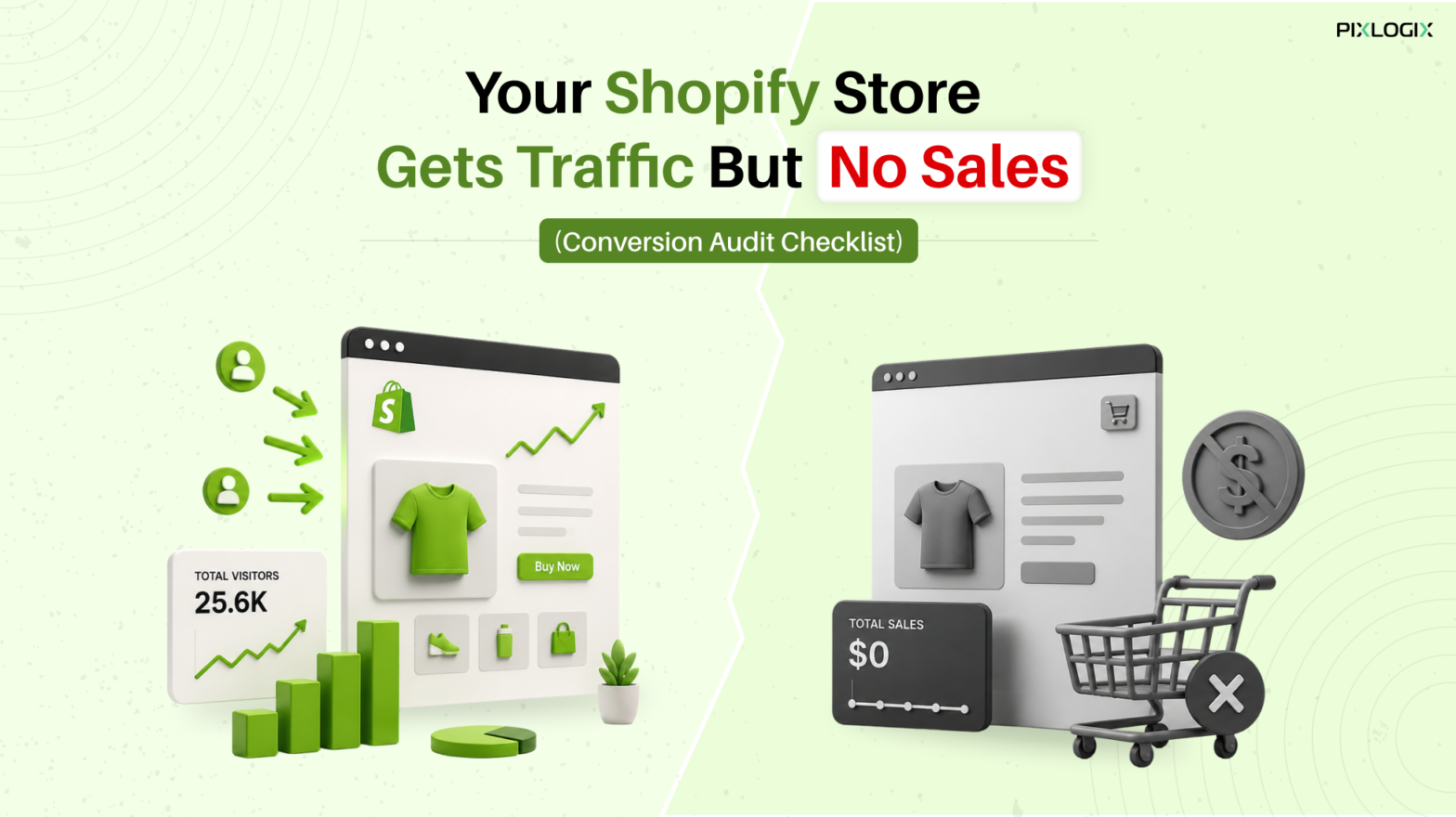
As a shopper, you may have visited online stores that look appealing. However, they still leave you unconvinced to buy. The same happens when visitors land on your Shopify store but do not become customers. The issue isn’t always traffic—it’s often a conversion gap.
This matters as every Shopify cart abandonment means lost savings. And a complete waste of time. While traffic generation brings visitors through ads, SEO, or social media, conversion optimization ensures they actually complete a purchase.
A Shopify conversion audit helps in reviewing the complete shopping journey. It starts from the landing page. Then it moves to the website page, cart, order completion, & purchase. You need to identify where your buyers actually drop off.
As a Shopify Expert, we can assist you in creating conversion‑focused sites. With our Shopify store development services, you can enjoy quicker browsing, clearer product details, verified payments & seamless shopping.
Why Does Your Shopify Store Get Online Traffic But Lacks Conversions?
Getting online visitors is only half the battle won. What matters is – whether they are the precise audience. Start by cross-checking whether your traffic aligns with genuine buyer intent.
Does it match the search queries that brought them in? Did they move through checkout? And complete the buying journey? If not, the challenge isn’t traffic volume but a conversion funnel problem.
Think of the buying journey as a sequence. Start cross-checking from the landing page through the point of sale & finally purchase. In each phase, friction can show up as unclear product details, slow load times, hidden costs, or complex checkout steps.
All these factors can lead to drop‑offs. Low sales often signal that prospects are abandoning the funnel even before reaching the final step.
By auditing the complete flow, you can precisely identify where potential customers are actually disengaging. And then you can apply the right fixes, which can further turn your website’s online traffic into measurable sales.
Reasons Your Shopify Store Gets Digital Traffic, But Not Targeted Sales?
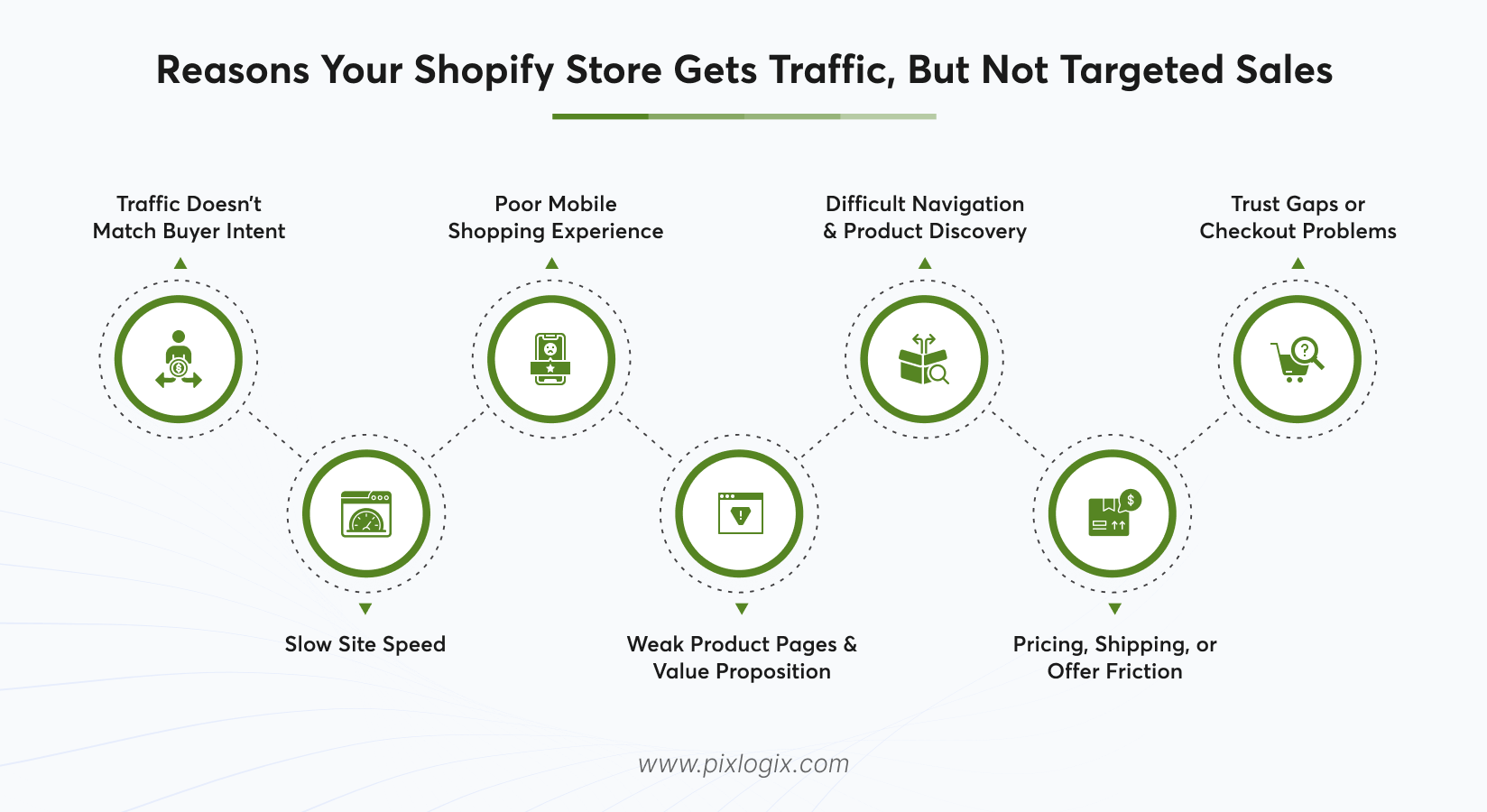
Let us explore the key reasons behind getting reasonable traffic but not enough sales through your Shopify store.
1. Traffic Doesn’t Match Buyer Intent
Cross-check whether your website visitors match your target audience. If your ads or keywords attract browsers instead of buyers, you will see higher visits – but sadly low add‑to‑carts. Warning sign – Lots of sessions, but few conversions.
2. Slow Site Speed
A sluggish store frustrates shoppers. Pages that are slow in loading lead to exits. Warning sign – Higher amount of bounce rates on your product pages.
3. Poor Mobile Shopping Experience
Most traffic today comes from mobile. If your store isn’t responsive enough, users will abandon it in no time. Warning sign – Mobile visitors drop off faster compared to desktop.
4. Weak Product Pages & Value Proposition
Unclear product descriptions & lower‑quality pictures reduce trust signals. Warning sign – Product views would appear. However, without successful add‑to‑carts.
5. Difficult Navigation & Product Discovery
Complicated menus or poor search make discovering products difficult. Warning sign – Visitors may browse multiple pages but would not successfully add products to cart.
6. Pricing, Shipping, or Offer Friction
Unexpected product costs or limited payment options can lead to product abandonment. Warning sign – Higher product abandonment rates are encountered. And these are especially found at related product-based checkouts.
7. Trust Gaps & Checkout Problems
Lack of certificates can block the involved sales procedure. Warning sign – Product drop‑offs are observed during checkouts.
Shopify Conversion Audit Checklist: What Should You Check
Let us find what to cross-check when reviewing a Shopify CRO checklist, Shopify checkout optimization & Shopify store audit checklist, with all the key details.
1. Product Pages
- Employ clear titles and write in-depth product descriptions. Also, use high-quality images.
- Use prominent CTAs (“Add to Cart”) right above the fold.
- Reviews, ratings & FAQs should be visible for trust.
- Stock status & delivery timelines should be displayed.
- Warning signs – Higher views of the product. However, fewer add-to-cart actions.
2. Collection Pages
- Intuitive filters (Like price, size, & color).
- Sorting options (Such as best sellers, newest, & price).
- Pagination optimized for better performance levels.
- Breadcrumbs for simple & effortless navigation.
3. Search
- Autocomplete suggestions with product thumbnails.
- Add error-tolerant search options for added ease.
- Use filters & sorting well. And within the search results.
- Highlight tags & place well-matched keywords.
4. Navigation & User Experience
- Assess menus & enable deeper search options. Add diverse filter types for ease of use.
- Warning signs – Visitors look at several pages, but they don’t engage actively.
5. Speed & Mobile UX
- Accurately measure page load times. And also periodically cross-check mobile responsiveness.
- Warning signs – Higher bounce rates on mobile compared to desktop.
6. Cart & Checkout
- Review the full checkout process. And assess the available payment options. Also check the involved shipping transparency.
- Warning signs – Higher abandoned carts. Product drop-offs also occur. These are observed across checkout steps.
7. Analytics & Conversion Data
- Track funnel metrics that include the complete process. This starts right from Landing → Product → Cart → Checkout → to the final purchase.
- Warning signs – Sharp product drop-offs are observed at – specific funnel phases.
8. Shipping
- Have transparent shipping costs before checkout.
- Apply multiple delivery options (Like standard & express).
- Estimated delivery dates must be highlighted clearly.
- Free shipping thresholds must be well showcased.
- Provide access to all shipping policies.
9. Payment
- Provide both local & global currency support.
- Enable secure payment badges.
- Have one‑click payment options.
- Clearly link all the possible refund & return policies.
10. Trust signals
- Have access to a visible SSL certificate (HTTPS).
- Highlight quality certifications & attained awards.
- Social proof (Showcase user‑generated content & press mentions).
How to Advance Your Shopify Conversion Rate Right After the Audit?
Once you complete the audit, start fixing high‑impact issues that can directly affect your sales process. With Shopify product page optimization, you can upsurge conversions swiftly.
Let us explore how to advance shopify conversion rate after performing a precise audit.
Fix High‑Impact Issues First
- Remove all the point‑of‑sale errors.
- Mend broken CTAs.
- Resolve sluggish page loads.
- Encourage mobile shopping.
- Improve website responsiveness.
- Reduce product drop‑offs.
Optimize Product Pages
- Strengthen product messaging.
- Offer unique benefits to your users.
- Use convincing & persuasive copy.
- Highlight authentic customer reviews.
- Upgrade your imagery to quality visuals.
Simplify Navigation & Discovery
- Streamline your site’s menus, filters, and search options.
- Make product discovery swift, & effortless.
Checkout Optimization
- Refine checkout flow for speed, & transparency.
- Add a personalization touch to the checkout process.
- Tailor recommendations and offers to customer behavior.
Monitoring & Refinement
- Constantly track data & conversion insights. This will further refine your sales funnel.
- Adjust pricing, shipping charges & promotions. This will reduce sales friction.
Layered Approach
- Address pressing blockers first.
- Then advance improvements step by step.
- This layered strategy converts traffic into consistent online sales.
Conclusion
For online shoppers, the shopping experience matters equally as much as the product they choose. If a Shopify store feels untrustworthy – visitors may quickly leave without buying. This is applicable even – if they were ready to purchase.
The main point here is simple: traffic by itself doesn’t ensure that you get sales. A seamless consumer journey leads to sales conversions. This comprises quick-loading website pages, a mobile-friendly design & vibrant product messaging.
So, are you ready to design and develop a scalable Shopify store? If yes, then partner with a leading Shopify development company in India like Pixlogix. We assist businesses in enabling Shopify design & development services.
Our experienced development team has assisted businesses with Shopify store audits, website speed optimization, Shopify store development services, and conversion rate optimization. Get a quote today? Let us discuss your Shopify store requirements. And also identify the precise path for lasting business success.

FAQs About Shopify Conversion Rate Optimization
1. Why is my Shopify site getting the right amount of traffic but lacking sales?
This usually happens when traffic doesn’t match buyer intent. It can also happen when friction exists in the conversion funnel.
2. What is a Shopify Conversion Audit?
A conversion audit is a well-structured review of your site’s sales funnel. This starts from the Landing Page → Product Page → Cart → Checkout → Purchase. This process identifies where shoppers drop off & why sales aren’t happening.
3. What is a good conversion rate for a Shopify store?
Industry averages range amid 2% or 3%. However, high‑performing stores often attain more than 4%.
4. How often should I audit my Shopify store?
You must conduct a conversion audit on a quarterly basis. However, act whenever you notice a rise in online traffic, but sales are stagnating.
5. Can Shopify experts help improve conversions?
Yes. Specialists can elevate & simplify conversions. Make sure your store is well engineered to convert.

Written by Samir Bhimbha Founder & CEO
Samir Bhimbha is the Founder & CEO of Pixlogix Infotech Pvt. Ltd. which offers web and app solutions to fulfill business's online needs and help to improve their online presence with many clients in the USA, Europe, Australia, and more. He is a skilled entrepreneur, web designer, developer, and team leader who can handle every situation. With 15+ years of experience in UX/UI design and web development, he is leading a team of IT professional talents.
Related Post
Headless Shopify Development: A Complete Guide

Ultimate Guide to Choosing the Right Shopify Theme for Your Brand

How to Create a Custom Shopify Store from Scratch

Get in Touch Now!
Have a word with our expert consultants about your next project to get suggestive guidance & proposal.
Sales Inquiry


HR Inquiry
 India’s First SOTD Winner on Awwwards.com – 2010