

Online shoppers decide faster. They leave stores that take too long to load or make purchasing difficult. For B2C businesses, that can mean lost sales. To overcome this issue, Shopify offers two ways to build your store. One is by personalizing a ready-made Shopify theme. The other is custom Shopify store development, where you can build every feature around your unique requirements.
Now you might think – what to choose? The right choice depends on your products, customer needs, budget, and long-term goals. In this blog, we’ll detail both Shopify theme vs Custom development approaches. By the end, you can compare them with your project goals and find the one your store wants.
Shopify Theme vs Custom Store Development: What’s the Difference?
Both options support e-commerce operations. But too many factors, like flexibility, tech resources, and cost, can vary. Let’s look at their key difference:
Customizing an Existing Shopify Theme
Themes give you a quicker starting point. That’s where Shopify theme development lets you personalize an existing one based on your brand and store requirements. This approach can save more time. It works well when the theme already offers what your store needs. Too many changes can cause issues. This includes extra scripts and third-party dependencies. They may also make the theme harder to maintain as your store evolves.
Building a Custom Shopify Store
Sometimes, a standard theme is not enough. Custom Shopify store development suits websites that need specific workflows or customer interactions. Developers can create tailored layouts. They can also personalize product experiences and functionality from the ground up. This gives businesses greater control over the storefront. But that control takes more work. From planning to ongoing maintenance, it all takes more effort.
What Should You Consider Before Developing a Shopify Store?
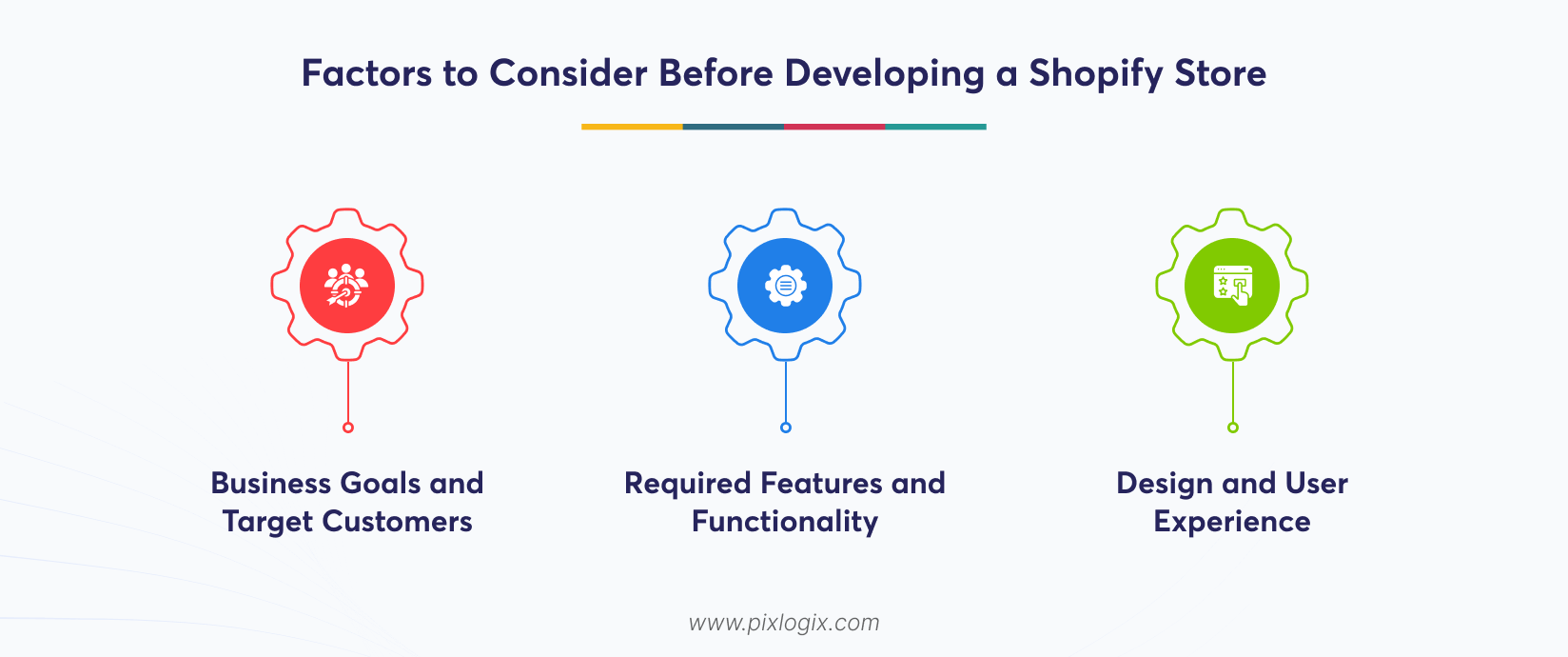
A development decision should start with the business requirements. Now you might think–what are the important factors to consider? Take a look at them:
Business Goals and Target Customers
Start with the store’s purpose. A catalogue-based business may only need simple product discovery and checkout. A larger retailer may need advanced filters, multiple product variations, regional storefronts, or personalized shopping experiences.
Your target customers matter too. Their expectations can shape navigation, mobile interactions, and checkout. So, never start by choosing the layout. Instead, use these insights and create an outline that smoothly merges with all your needs.
Required Features and Functionality
List the store’s required functions first. These may include subscriptions, accounts, and wholesale pricing. Reviews and automated orders also add to them.
But you don’t need all these features. So, separate the must-have from the optional ones. This keeps development focused. It also shows whether the theme meets your needs. Shopify website development should start with a clear functional plan. It should never look like a visual reference.
Design and User Experience
Make shopping easy. Thus, choose a design that lets customers find your products more quickly. They must also be likely to complete their purchases without confusion. Good navigation matters here. So, make sure your users can move between pages and content hassle-free.
The final check is about mobile experience. This is because modern customers may switch between phones, tablets, and desktops. So, don’t use a desktop-friendly design. It might cause problems on smaller screens. Finally, check whether your store works across devices.
What Helps Keep a Shopify Store Scalable and Maintainable?
Plan for growth early. Your store should handle more products and features without major changes to its structure. Then, avoid unnecessary apps. This is because each one can add scripts and compatibility issues. This can make the store harder to manage.
Maintenance also matters in the setup. So, plan for theme updates, security, and performance checks. But don’t bring in too much customization. It can increase your total Shopify theme development cost. Try to navigate this issue smoothly. Decide who will handle updates, fixes, and future changes. This keeps your store stable as your business grows.
How Much Does Shopify Theme or Custom Store Development Cost?
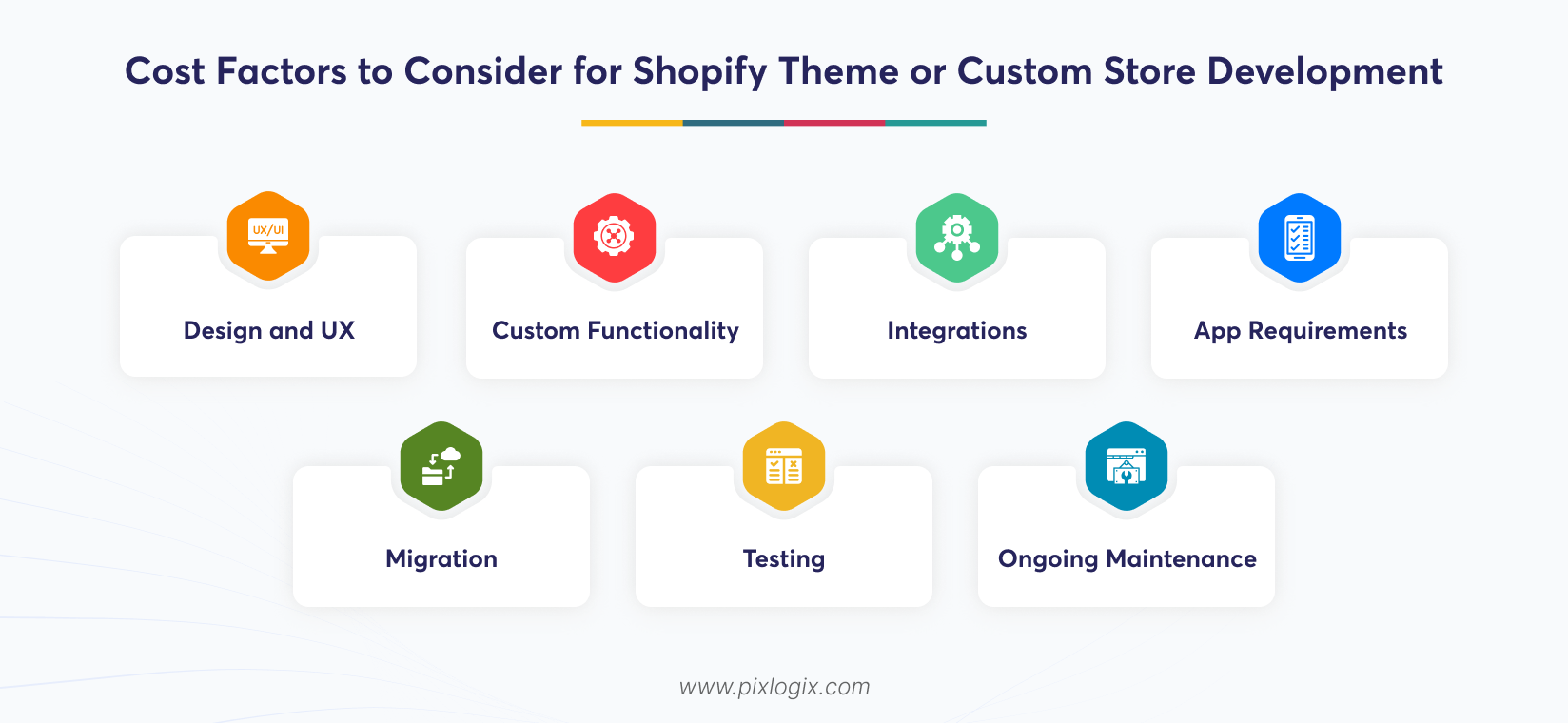
It’s quite hard to calculate the final price. This is because Shopify development costs vary based on your store’s unique needs. The major cost factors include:
Design and UX
Intricate designs might attract visitors. This includes responsive layouts, product pages, and smooth user flows. But their prices are high.
Custom functionality
Standard themes and features are quite affordable. But some high-end sites need custom functionality that costs more.
Integrations
Third-party connectivity tools can take extra time and add a lot to the budget. This includes ERP, CRMs, and analytical features.
App requirements
Everyone knows that paid apps are costlier. But it may also introduce recurring subscription costs alongside configuration and integration work.
Migration
Moving data requires proper planning from the very start. So, they need the right development team and setup, which adds extra value to the budget.
Testing
This is a necessary step before launch. Developers need to check the functions, responsiveness, and checkout experience. But this process needs the right technical tools that might cost more.
Ongoing maintenance
Every site needs to be updated to stay with the current trends. This kind of continuous work requires a paid team to handle aftercare.
Shopify theme development cost is often lower. This option might look cheaper, but it costs more in maintenance work over time. Meanwhile, custom development needs greater initial investment. But they don’t add up in price in the later stages.
How Do You Choose the Right Shopify Development Approach?
Finding the right approach isn’t an easy task. It requires the right planning that includes all the store details, from its budget and needs to growth plans. Here’s a simple way:
- Check whether it supports an existing theme.
- If you have complex needs, go with custom development.
- High-end integrations require tailored development.
- Future plans must be considered.
- Finally, check that it fits within your budget.
Still confused – which approach suits your site better? Then, hire a trusted Shopify e-commerce development company. They can assess all your site goals, from its technical scope to maintenance work. Then, they’ll offer a tailored strategy to help you choose the right one.
Conclusion
Making a choice between a standard Shopify theme and fully customized development isn’t that easy. So, start with your business needs. Consider functionality, integrations, performance, and budget. Think beyond the launch. A well-planned store can support your needs today. But ensure it also makes your future updates easier.
Not sure – which option to choose? Then, look for a leading Shopify development company in India like Pixlogix Infotech. We analyze your requirements list first. Then, we help you choose the right one that can meet your current and future growth plans. Get a quote today! Let’s create a Shopify store design that brings long-term success.

Frequently Asked Questions
Can I change to a custom design after using the Shopify theme?
Yes. The Shopify store can progress from a pre-existing or a customized theme to something that is more specific to its need as time passes. It needs to be done based on certain considerations like the current theme and any other existing code.
Can a theme for Shopify be customized without changing the whole theme?
Yes. Shopify themes are frequently able to be changed without changing the whole theme, at the sections, templates, or code level. The amount that can be done depends on the theme’s structure and what new features are required.
What happens to my existing Shopify apps when changing themes?
A change to a theme doesn’t necessarily mean that every application will have to be changed, although the compatibility of applications should be considered prior to a change. Application that depend on theme code, app block, scripting, or custom integration may need more configuration.
Can I use my current Shopify data on a custom-made theme?
Yes. Changing your theme will most likely not need you to rebuild your data like products, collections, customer base, and orders. But the new storefront should still be set up and checked to make sure that everything works fine.

Written by Samir Bhimbha Founder & CEO
Samir Bhimbha is the Founder & CEO of Pixlogix Infotech Pvt. Ltd. which offers web and app solutions to fulfill business's online needs and help to improve their online presence with many clients in the USA, Europe, Australia, and more. He is a skilled entrepreneur, web designer, developer, and team leader who can handle every situation. With 15+ years of experience in UX/UI design and web development, he is leading a team of IT professional talents.
Related Post
Headless Shopify Development: A Complete Guide

Ultimate Guide to Choosing the Right Shopify Theme for Your Brand

Get in Touch Now!
Have a word with our expert consultants about your next project to get suggestive guidance & proposal.
Sales Inquiry


HR Inquiry
 India’s First SOTD Winner on Awwwards.com – 2010